
A cheerful duo
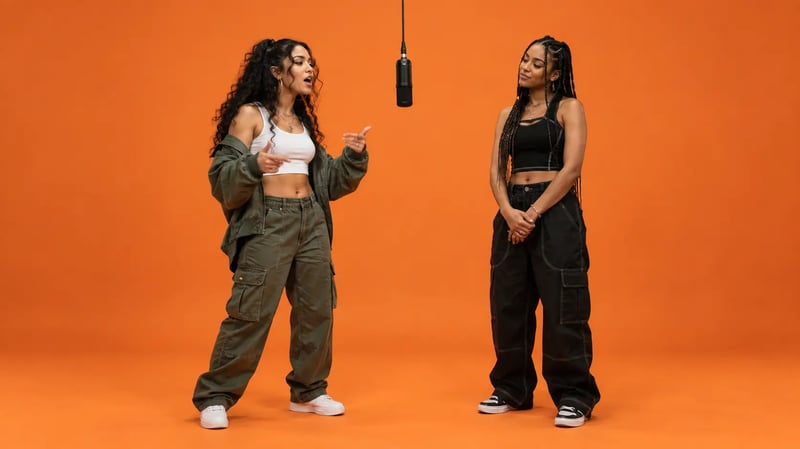
Two older performers share the orange stage. Distinct outfits and playful gestures give this Hotel Lobby AI video a clear sense of personality. For your own version, assign each subject a separate role and reaction.
Two subjects. One mic. Make it your duo.
Explore the Hotel Lobby AI trend: two recognizable subjects, an orange studio and a back-and-forth rap performance. Find casting ideas, copy a prompt and learn how to build your own version.
Create my video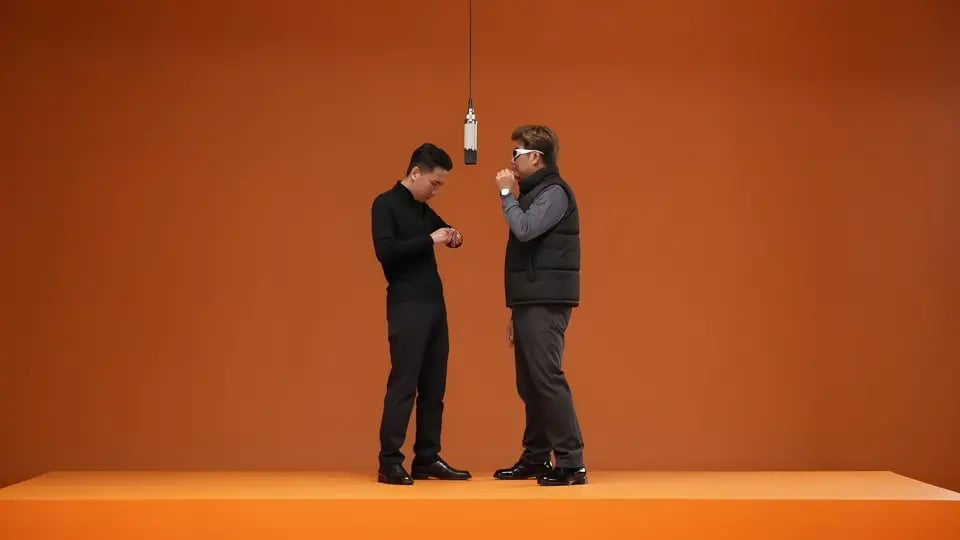
HOTEL LOBBY AI
Two photos. One orange stage. Make the duo yours.
Use clear photos with the outfits you want in your video.
JPG, PNG, WebP · Up to 10 MB
Charged credits are returned if generation fails.
The orange-stage look
ExampleOrange studio · Two-person performance
Watch three examples of the Hotel Lobby AI trend, from a cheerful duo to unexpected character pairings.
Two older performers share the orange stage. Distinct outfits and playful gestures give this Hotel Lobby AI video a clear sense of personality. For your own version, assign each subject a separate role and reaction.
An everyday performer meets a skeleton-costumed partner. The contrast gives the simple orange scene its hook. Keep each subject’s appearance and left/right position distinct when adapting your Hotel Lobby AI prompt.
A performer shares the microphone with a superhero-costumed partner. The orange background keeps attention on the duo. Use the composition as inspiration, then choose your own subjects and direct a short exchange.
The name comes from a song. The recognizable scene is an orange studio.
Hotel Lobby AI reimagines the two-performer format associated with Quavo and Takeoff’s 2022 “Hotel Lobby” performance on A COLORS SHOW. One hanging microphone, a plain orange backdrop and a back-and-forth exchange make the scene easy to recognize.
You may also see searches for “Migos AI video” or “AI Migos video.” In this context, people are referring to the duo trend associated with Quavo and Takeoff, both members of Migos. The creative hook is replacing the expected pair with your own subjects.
To build a recognizable Hotel Lobby AI video, start with the composition: a subject on each side, a clear gap around the microphone and a steady camera. Then direct separate reactions and a change of lead. An orange background alone creates the look; the interaction gives it character.
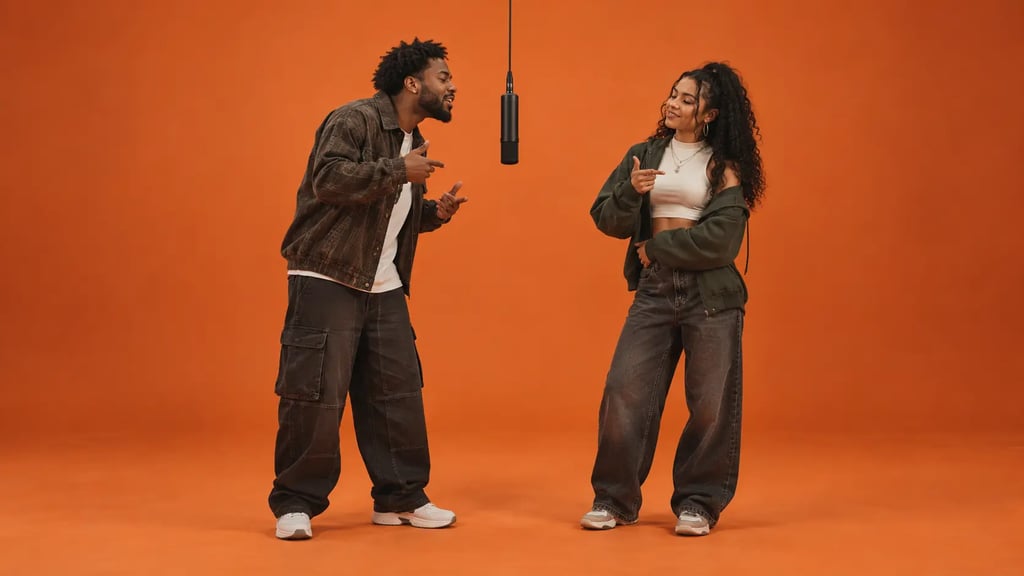
Choose a recognizable pair, give them room on the orange stage, and plan an exchange with personality.
The pairing is the hook. Best friends can trade familiar reactions; a couple can play up contrasting personalities. Choose an outfit, hairstyle or silhouette that makes each subject easy to recognize, even when they share a small frame. A dark jacket beside a lighter shirt creates a simple visual distinction.
For your Hotel Lobby AI prompt, describe each subject separately and give them a fixed side of the microphone. Keep those positions through the exchange so the viewer can follow who is leading. When reviewing a clip, look beyond the opening frame: check that faces, clothing and relative height stay recognizable as the subjects move.
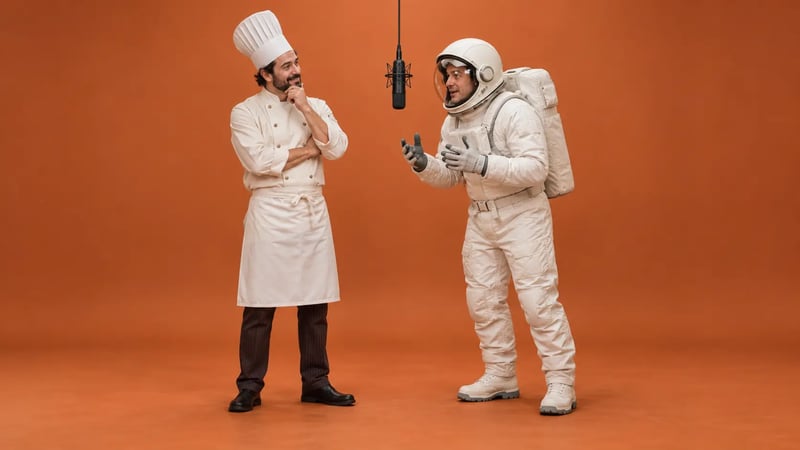
A seamless orange wall and floor, soft light and one hanging microphone give the scene its recognizable shape. Leave a gap between the subjects and frame enough of their bodies to show the gestures you want. A clean background keeps attention on the pair rather than competing props.
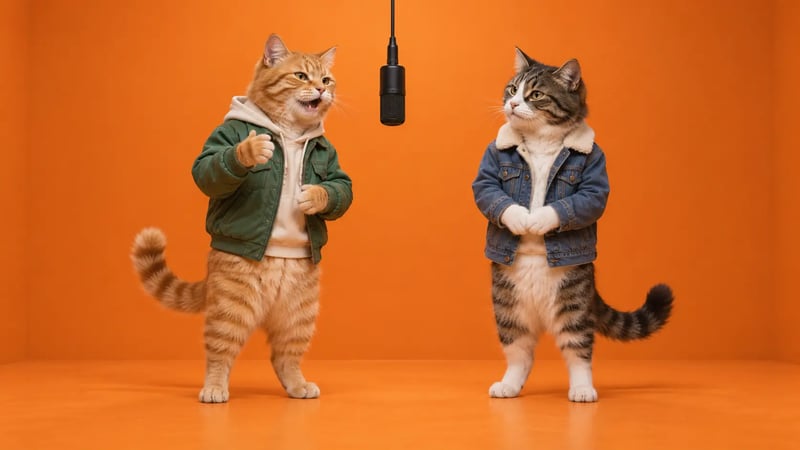
Pet pairings offer a different kind of character. Two cats with contrasting coats are easier to describe separately than an almost identical pair. Place them at a similar distance from the camera, keep their paws visible and begin with small head turns. For a vertical crop, check both subjects and the microphone together; a close-up of one face can lose the shared-stage idea.
The interaction gives a Hotel Lobby AI video its story. Plan a small sequence: one subject leads with a hand gesture, the partner reacts, then they switch roles. A nod, a glance or a brief smile gives the listening subject something to do while keeping the lead easy to follow.
Write those actions as separate beats in the prompt instead of asking both subjects to dance identically. Keep the camera still for the first attempt and use modest movements that leave their faces visible. Review the handover as well as the individual gestures: both subjects should keep their positions, respond independently and remain part of the same scene.
Prepare the subjects first, direct a simple exchange, then review the complete video before adding music.
Choose one subject per photo, with an unobstructed face and even lighting. Decide which image is the left performer and which is the right. For a Hotel Lobby AI scene, visible clothing and similar framing help describe the pair. Use your own photos or images you have permission to animate; avoid sunglasses and hands covering the face.
Use a video tool that accepts the reference images your workflow needs. If it accepts only a starting frame, compose both subjects into one image first. Copy the prompt below, keep the camera still and ask one performer to lead while the other reacts, then switch roles. Start with restrained gestures and a short clip. Review faces, side placement and hands across the full result.
Choose a frame that keeps both subjects visible; vertical framing can suit phone feeds, while a wider composition gives the pair more room. Add your own or appropriately licensed audio. If using a platform’s music library, check its conditions for your post. Adding a song does not automatically sync mouth movements: precise lip sync needs a suitable workflow and a separate check.
Start with this original prompt for an orange-studio duo. If your tool supports two reference photos, upload them as A and B and replace the subject descriptions below. If it accepts one starting frame, first compose both subjects into the orange studio, then replace the reference A/B sentence with: “Animate the two subjects in the starting image. Preserve their appearance, clothing and left/right positions.” Keep the remaining scene and action instructions.
A useful Hotel Lobby AI prompt assigns separate identities and roles. Keep the first attempt focused on one stage, two subjects and one exchange; add styling only after the composition works.
Adapt this starting prompt to your tool’s reference-image controls. Begin with small movements and check the complete clip before adding audio.
Create an original orange-studio duo performance. Use reference A for the left performer: describe their appearance and outfit and reference B for the right performer: describe their appearance and outfit. Keep their faces, clothing and relative heights distinct. Place them on opposite sides of one microphone hanging at the center of a seamless matte-orange studio. Leave a visible gap between their bodies. The left performer leads with small hand gestures while the right nods and reacts; then the right takes the lead and the left responds. Give them independent movements, not mirrored choreography. Use a continuous static shot, soft even light and framing that keeps both subjects visible. No extra performers, side switching, merged faces, text or logos.
Quick answers about the trend, the photos and your creative workflow.
Copy the prompt and replace the left and right subject descriptions with your own pair. Add your reference photos in a video tool that supports the inputs you need. If the tool accepts one starting frame, first compose both subjects into the same orange-studio image. Keep their positions clear, plan a short exchange and review the complete clip.
The guide and copyable prompt on this page are free to read and use, with no account required. Video generation costs depend on the selected tool and output settings. Check the price before submitting a generation job.
Separate photos let you identify the left and right subjects clearly. Each photo should contain one visible face or pet. Whether both photos can be used directly depends on the selected model; some workflows first combine them into one starting image. Avoid crowded group shots when you want two stable, distinct identities.
Pets are a creative option for the orange-studio duo format. Describe each pet’s fur, size and position separately, and start with small movements. Results depend on the chosen model. Check paws, tails, markings and contact with the floor rather than judging the first frame alone.
People sometimes use “Migos AI video” for the Hotel Lobby AI duo trend because Quavo and Takeoff were members of Migos. Migos-related searches can also refer to other videos. This guide focuses on the orange studio, hanging microphone and two subjects exchanging performance turns.
Yes. Replace the subjects, outfits and gestures to fit your idea. Keep the orange studio, centered microphone and clear left/right positions so the duo format stays recognizable. Describe who leads, how the partner reacts and when they switch roles. For the first attempt, use a short exchange and modest movements; then adjust one detail at a time.